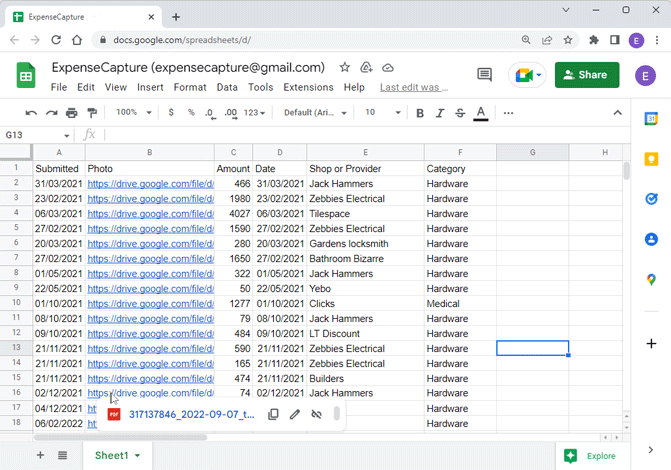
Receipts in Sheets
Conveniently capture all your receipts directly into a Google Sheet
Getting started
- Install the Telegram Messenger on your phone
- Click @ExpenseCapture to access the ExpenseCapture Channel
- Follow the prompts to sign up to ExpenseCapture and start capturing receipts
How to capture a receipt
- Open the ExpenseCapture Channel in your Telegram Messenger
- Send a photo of a receipt or a document
- Follow the prompts to capture the amount, the date, the provider and a category
- Manage your data in your Google Sheet (add columns, calculate VAT, do whatever you like)
Requirements